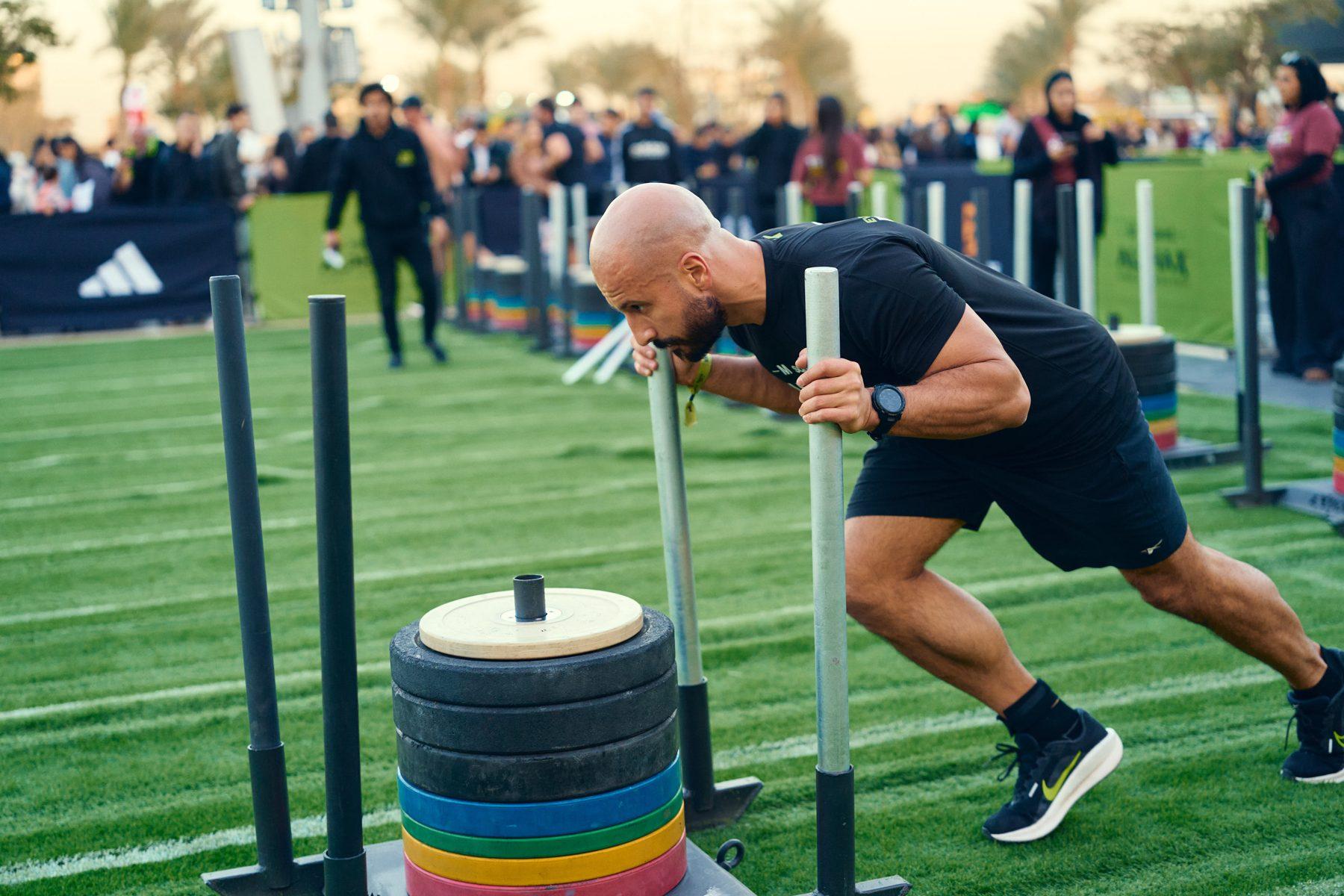
Most watch reviews are written by people who test a device for a few weeks of running and cycling. CrossFit and Hyrox are different. You grip bars, jump, flip your wrists on burpees, swing kettlebells and sweat through everything. A tracker that is perfect on a 10 km run can fall apart in a 15-minute WOD.
I have worn all three of the big names as a coach and competitive athlete: a Whoop for about a year, an Apple Watch Series 7 for about two years, and a Garmin Instinct 3 AMOLED, which I have worn every day for more than a year and still use. This is what each one is actually like for functional fitness.
Some links in this article may be affiliate links. If you buy through them, Train Gritty may earn a small commission at no extra cost to you. No brand paid for this article or saw it before it was published. As an Amazon Associate I earn from qualifying purchases.
Key takeaways
- For CrossFit and Hyrox, my pick is the Garmin: physical buttons, 10 to 15 days of battery, and excellent running data.
- No wrist tracker reads heart rate perfectly in movement-heavy WODs. All of them are reliable on runs.
- The Apple Watch is the best everyday smartwatch if you use an iPhone, but it needs charging every day.
- Whoop has no screen, so you cannot see your workout clock. Add the yearly subscription and it was not for me.
The quick verdict
Best for CrossFit & Hyrox
Garmin Instinct 3 AMOLED
Buttons that work with sweaty hands, huge battery, great running and race data. Very strict on recovery.
Worn by our head coach
Check price on AmazonBest everyday smartwatch
Apple Watch
The best phone, apps and notifications experience for iPhone users. Short battery, fiddly when wet.
Worn by our head coach
Check price on AmazonOnly for recovery tracking
Whoop
Screenless band built around sleep and strain. No workout clock and a yearly membership.
Worn by our head coach · Membership from about $199/yr
See plansWhat I wore and for how long
| Garmin | Apple Watch | Whoop | |
|---|---|---|---|
| Model I used | Instinct 3 AMOLED | Series 7, 45 mm GPS | An earlier generation band |
| How long | 1+ year (still wearing it) | About 2 years | About 1 year |
| Screen | Yes, plus 5 buttons | Yes, touchscreen | No |
| Workout timer on the wrist | Yes | Yes | No |
| Heart rate in WODs | Good, sometimes way off | Good, sometimes way off | Not compared |
| Heart rate on runs | Excellent | Very good | Not compared |
| Battery in my use | 10 to 15 days | Daily charge | Not compared |
| Cost | One-time purchase | One-time purchase | Yearly membership |
Newer versions of all three exist now, so some details below may have improved. The basics I care about as a coach (screen or no screen, buttons or touch, battery, subscription) have not changed.
Tracking a WOD: you need to see the clock
In CrossFit, the number that matters most is often how fast you finished. I want to start a timer, glance at my wrist mid-workout and see where I am against the time cap.
This is where Whoop lost me. It has no screen, so there is no clock on your wrist. Every workout I needed a separate timer, and the band only tells you what happened after you open the app. For people who just want sleep and recovery data that is fine. For timed training it is a real limitation.
The Garmin and the Apple Watch both handle this well: start a workout, see elapsed time and heart rate, and check your splits after.
The Garmin problem nobody warns you about: gymnastics
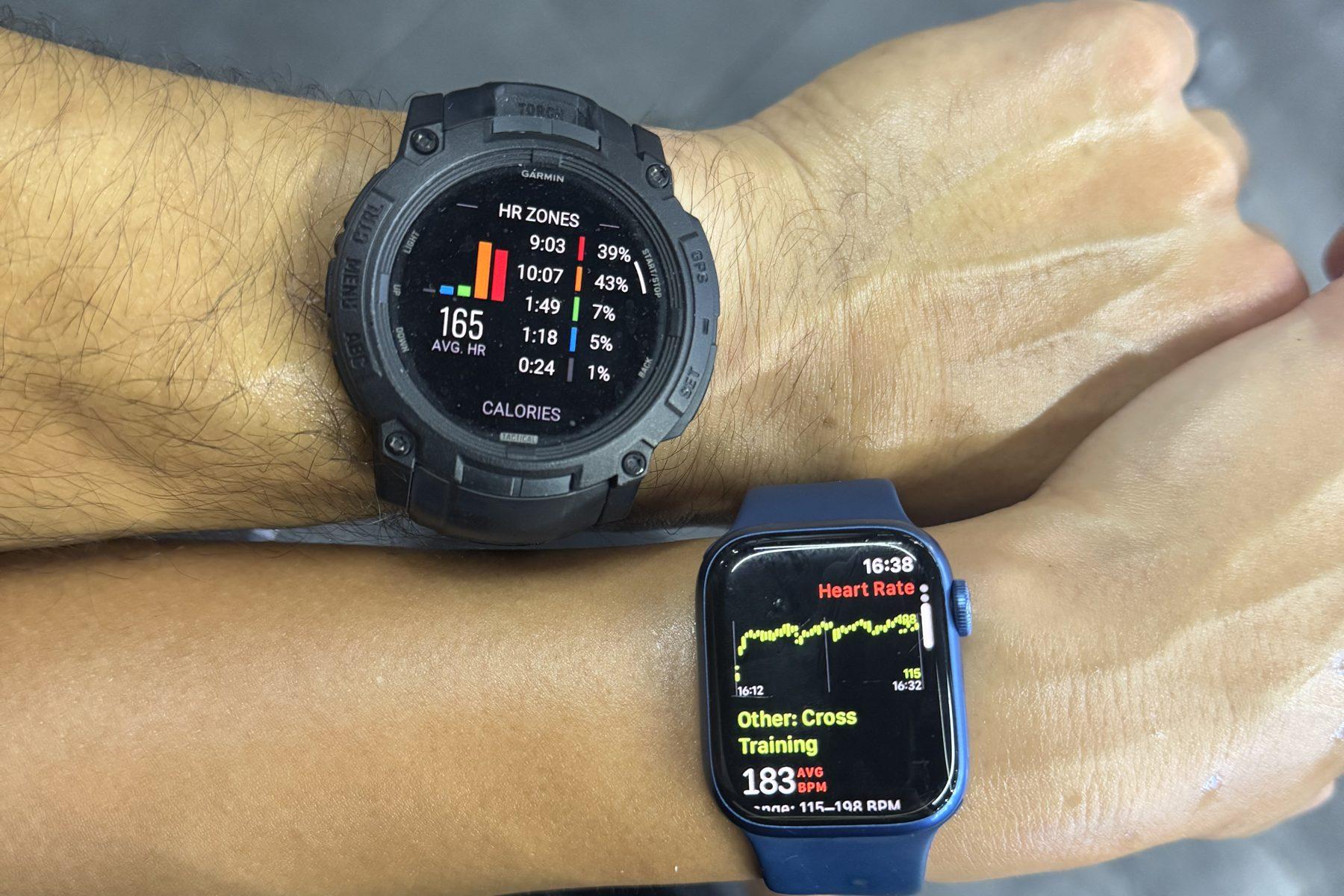
The Instinct 3 has physical buttons, which I love for training. The catch is the start/stop button on the right side. On chest-to-bar pull-ups, pull-ups, muscle-ups and burpees, your wrist bends back hard and the back of your hand presses that button. The watch pauses your workout in the middle of the set, and you only notice later. Even with the button lock on, I have had it unlock and pause.
Coach’s fix
The Apple Watch has its own weak spot, which you will see in the swimming section.
Heart rate accuracy: great on runs, unreliable in WODs
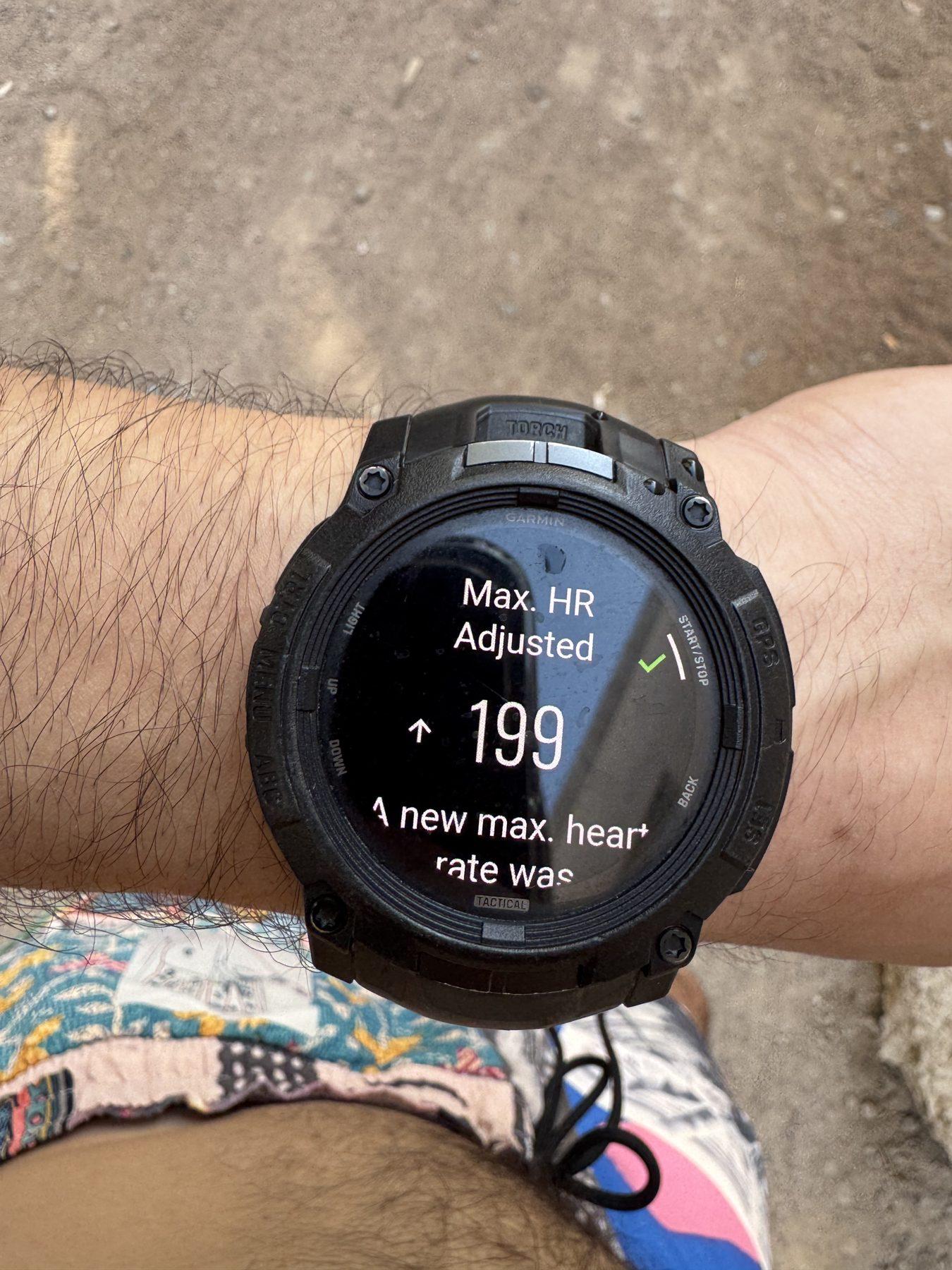
Both the Garmin and the Apple Watch were accurate most of the time. But the Garmin sometimes goes completely off track in CrossFit. I have finished workouts where my real heart rate was 190+ bpm and the watch showed Zone 1, around 110 bpm or lower.
This is not really a Garmin problem. It is a wrist-sensor problem. Optical sensors read blood flow through the skin, and CrossFit is full of things that disturb them: gripping a barbell or rig, flexing the wrist, jumping, and the watch bouncing around. The Apple Watch had the same issue in the same kinds of workouts.
On runs, both were excellent, and the Garmin in particular was spot on. That matters for Hyrox, where more than half the race is running.
If you need accurate heart rate in WODs, for example when you train in zones, pair your watch with a chest strap. Both Garmin and Apple Watch can connect to one.
Running and Hyrox: where the Garmin shines
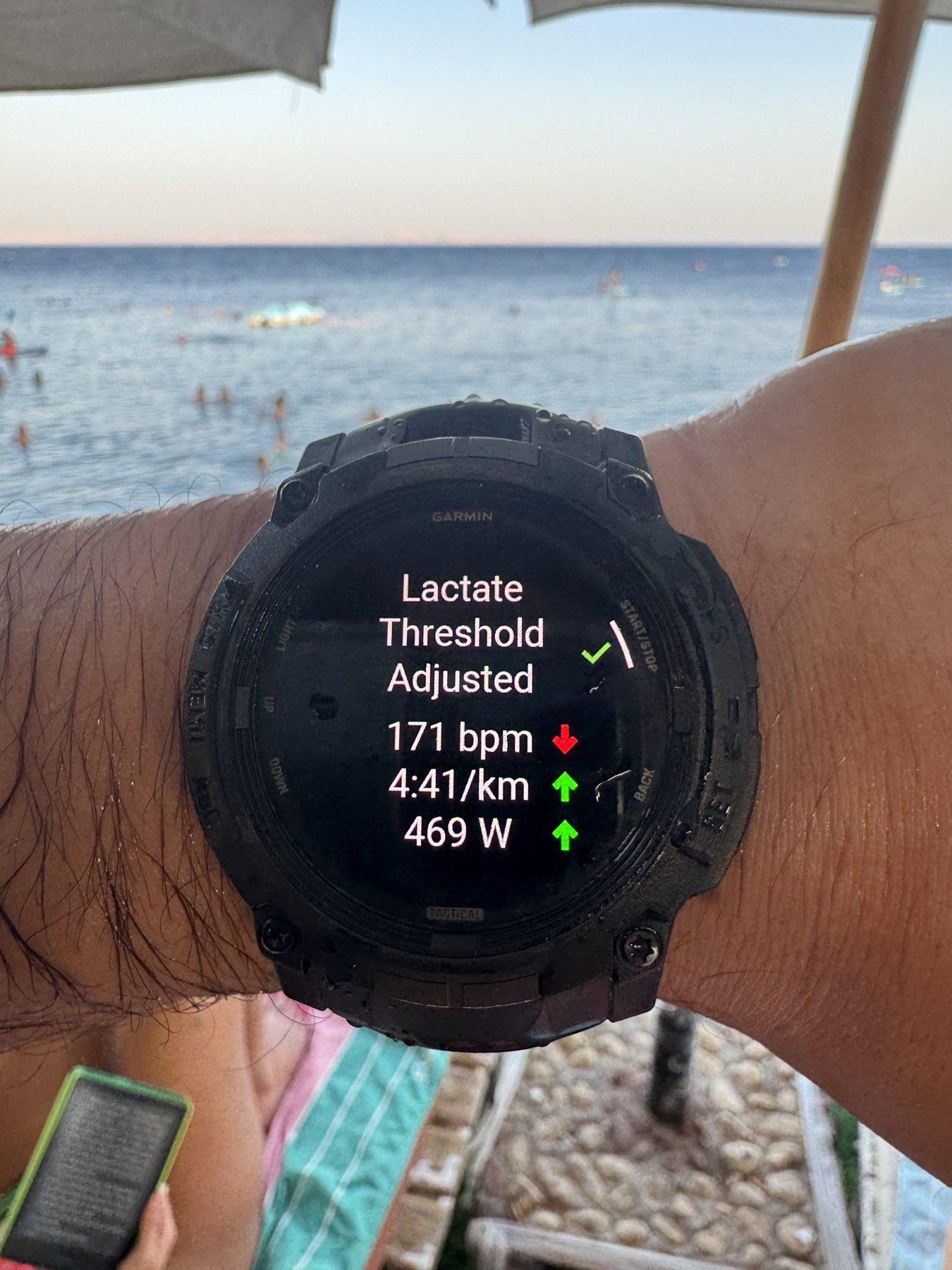
The Garmin is built for endurance data. Beyond pace and splits, it estimates things like your lactate threshold heart rate and pace, which is exactly what you need to set your 1 km run pace in Hyrox training.
For Hyrox racing, buttons are a big advantage. You can lap and check splits with sweaty hands without fighting a touchscreen. And if you are training for a race, the battery means you never start a long session on 10%.
If you are new to the race, start with my complete Hyrox training guide.
Swimming: the Apple Watch’s weak spot
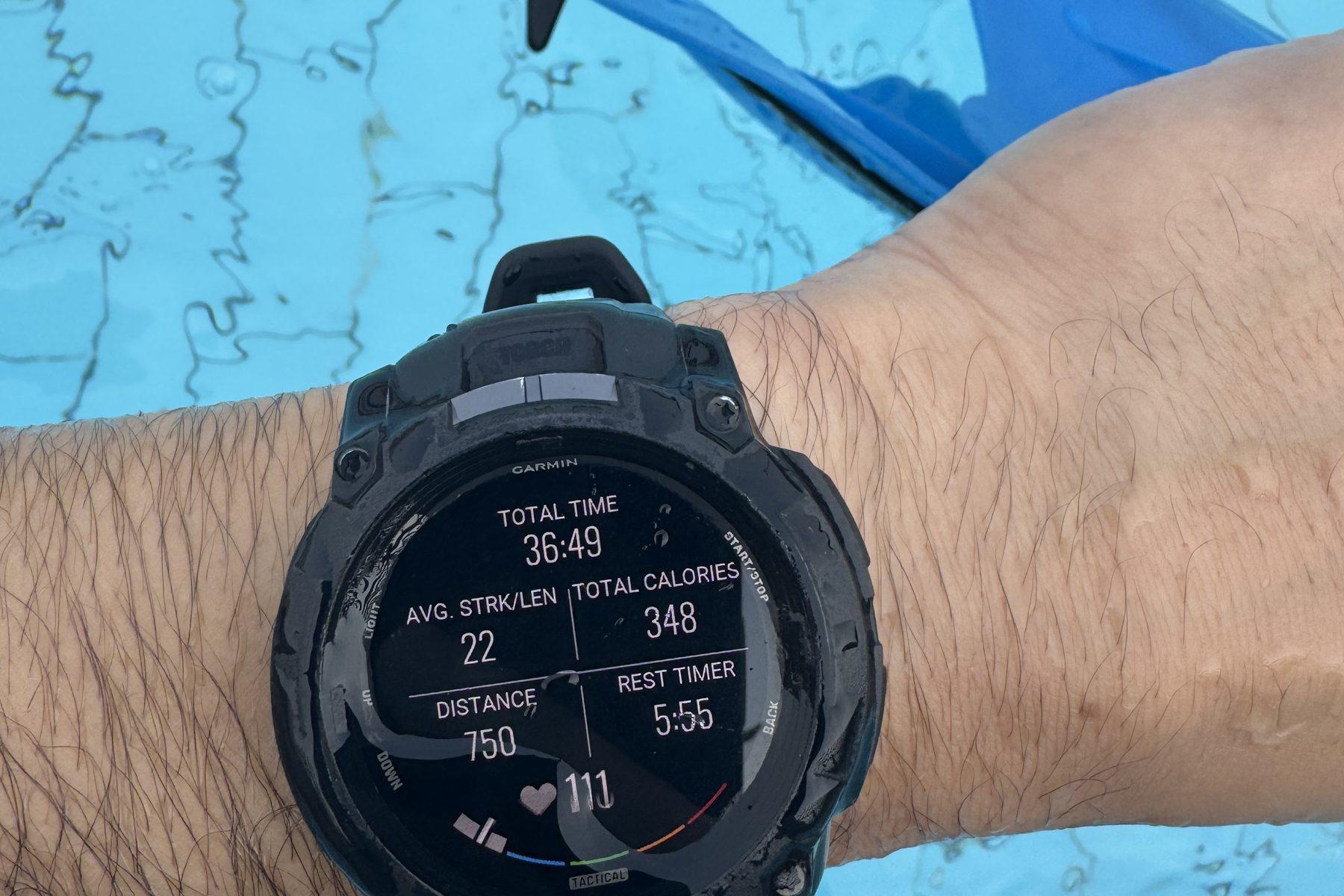
I swim as part of my training, and this is where the Apple Watch frustrated me most. Once the screen is wet, it is very hard to pause, start or change anything, because a touchscreen and water do not mix.
The Garmin has no issue at all. Buttons work the same wet or dry, with or without gloves, and with sweaty or chalky hands. For anyone who swims, or who races outdoors in the rain, that is a real difference.
Sleep and recovery: Garmin will roast you
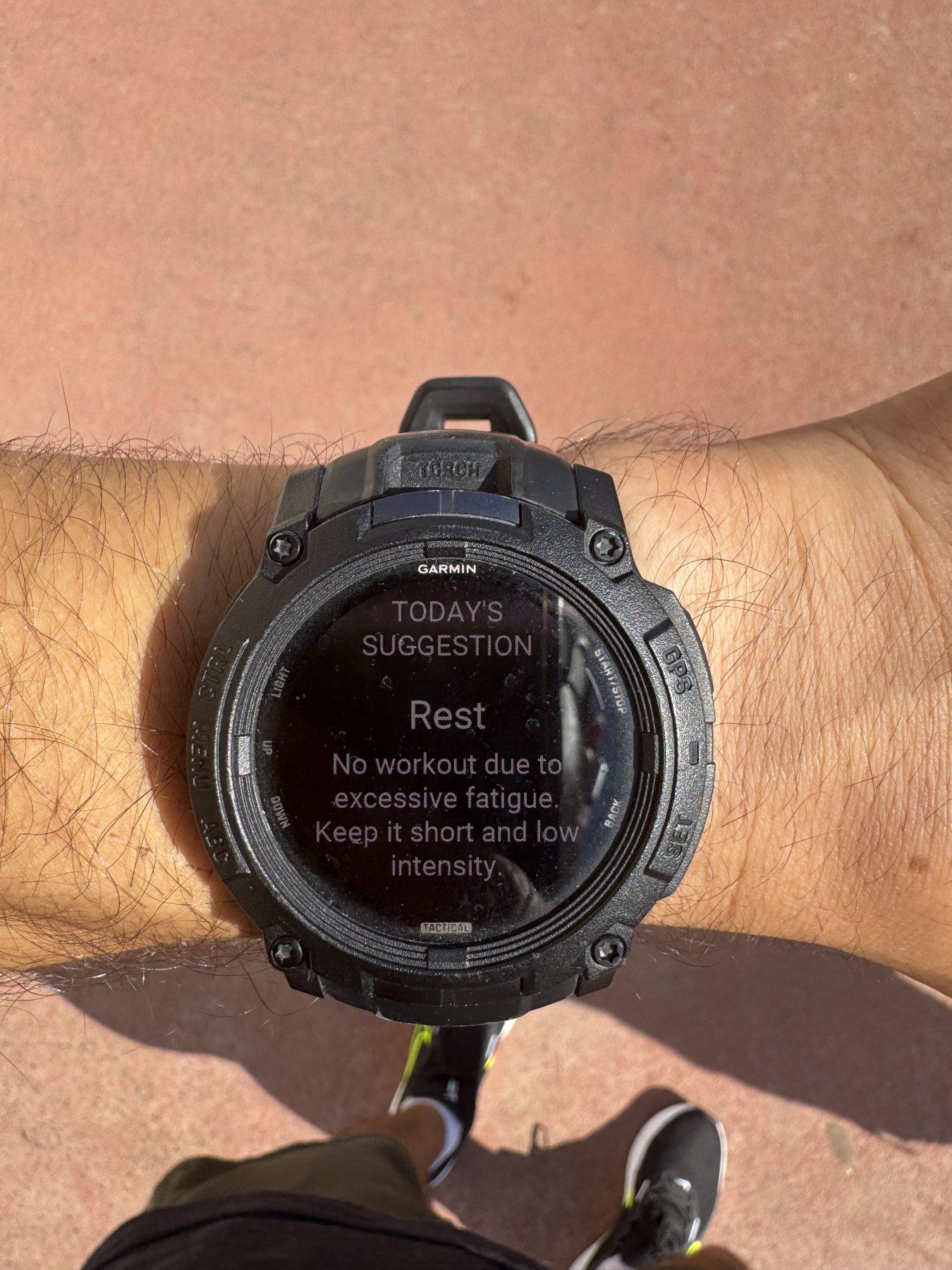
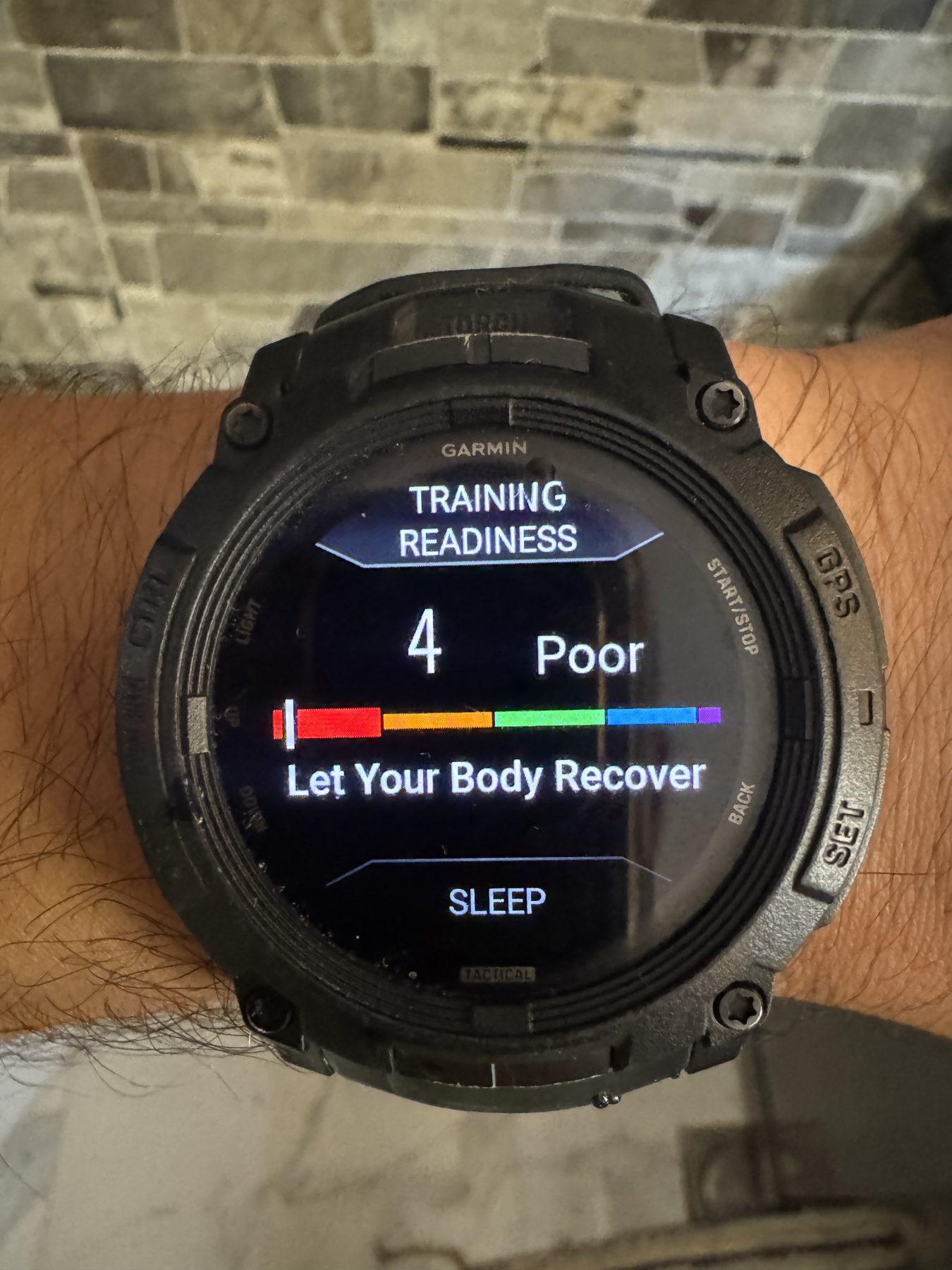
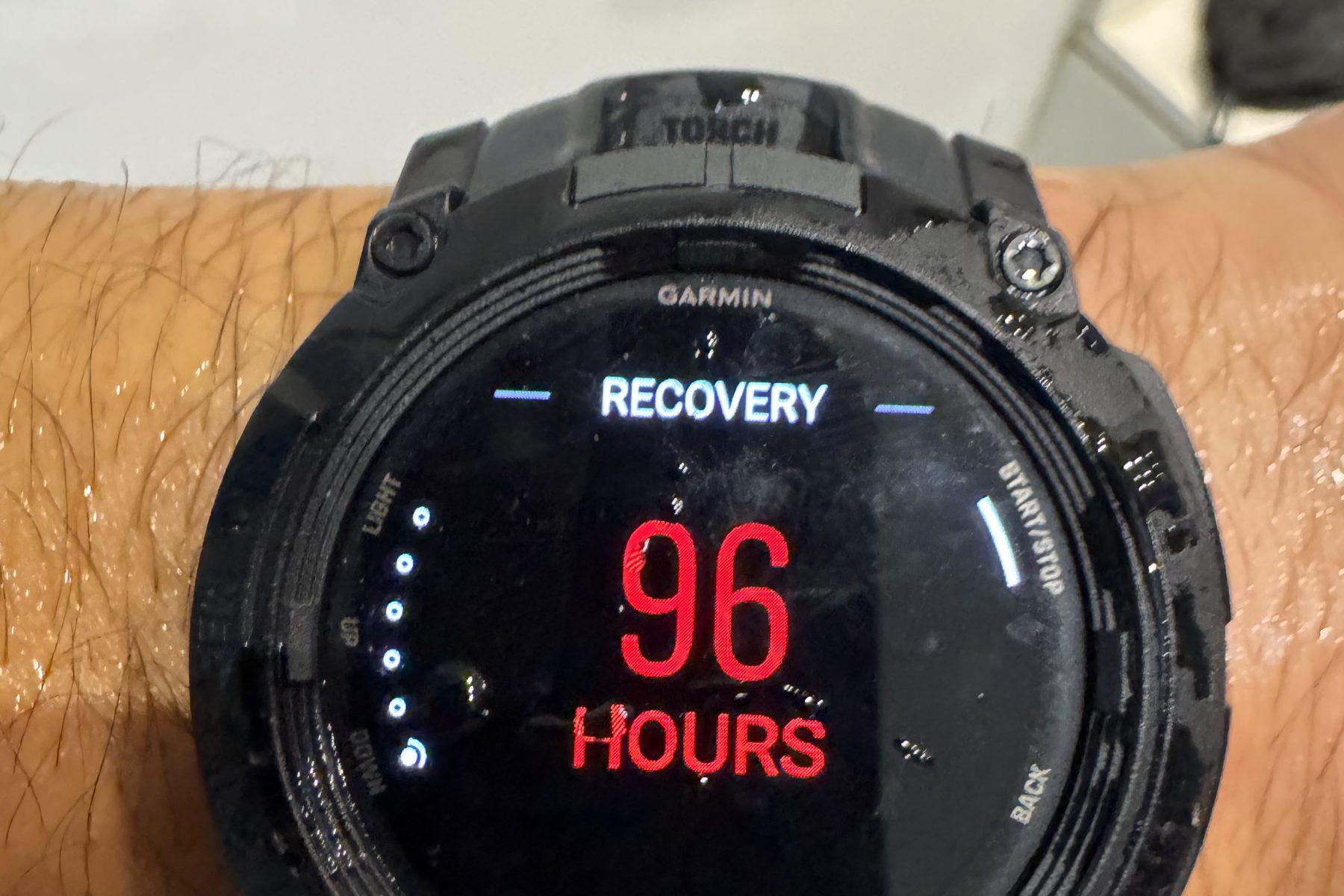
If you train hard, the Garmin will tell you that you are not recovering. Often. It does not matter how well you slept. After a heavy week, it gives you low training readiness, suggests rest due to “excessive fatigue” and shows a recovery time of many hours. One time it gave me a recovery time of 96 hours: four full days.
My advice as a coach: treat recovery scores as a trend, not an order. These algorithms are built mostly around endurance training, and CrossFit athletes do a lot of high-intensity work every week, so the numbers often look worse than you feel. Use the score as one input alongside how you slept, how you feel and how you are performing. If the score is low for many days in a row and your performance is dropping, that is when to take it seriously.
Whoop is built around this kind of recovery and strain tracking, and the Apple Watch has sleep tracking too. None of them replaces a coach who adjusts your training based on how you actually respond.
Battery life: not even close
I charge my Garmin once every 10 to 15 days. Garmin rates the Instinct 3 AMOLED at up to 18 days (45 mm) or 24 days (50 mm) in smartwatch mode with the display waking on wrist movement, and much less with the always-on display, so my real-world number fits.
The Apple Watch needed charging every day. That also means you have to decide between charging it at night and tracking your sleep. Newer Apple models last longer than my Series 7, but it is still a daily or near-daily charge.
Cost: buy once or pay every year
Garmin and Apple are one-time purchases. Whoop is a membership. At the time of writing, US plans start at about $199 per year, with higher tiers above that. Over three or four years, that adds up to more than a good watch, and you still do not get a screen.
I do not like subscriptions for hardware, and I think Whoop now has a harder sell. In July 2026 Garmin launched the Cirqa Smart Band, its own screenless band for sleep, recovery and activity tracking, sold for a one-off price of about $200 with no subscription. I have not used the Cirqa, so I cannot review it, but if you want the Whoop style without the yearly fee, it is worth a look.
Which one should you buy?
- You do CrossFit, Hyrox or hybrid training: the Garmin Instinct 3 AMOLED. Buttons, battery and running data win. Just wear it higher on gymnastics days and do not let the recovery score scare you.
- You want one device for life, work and the gym, and you use an iPhone: the Apple Watch. The best smartwatch, as long as you are happy charging it daily.
- You only care about sleep and recovery and hate wearing a watch: a screenless band. Whoop is the best known, but compare the membership cost with a no-subscription option first.
FAQ

Is Garmin or Apple Watch better for CrossFit?
For me, Garmin. Physical buttons work with sweat, chalk and water, and the battery lasts 10 to 15 days. The Apple Watch is the better smartwatch overall, but the touchscreen and daily charging are weaknesses for training.
Is Whoop good for CrossFit?
It is good for tracking sleep, strain and recovery. But it has no screen, so you cannot see your workout time during a WOD, and you need a separate timer. You also pay a yearly membership.
Why does my watch show the wrong heart rate during WODs?
Wrist sensors struggle with gripping, wrist flexion and jumping, which CrossFit is full of. Wear the watch snug and a little higher on the forearm, or use a chest strap for accurate data.
What is the best watch for Hyrox?
A watch with buttons, accurate running data and solid battery. Of the three I have worn, that is the Garmin.
Want your training built around your data?
At Train Gritty, every athlete gets a program written for them and adjusted every week based on how they respond, not just what a watch says. Learn more about how we coach.
Garmin, Apple Watch and Whoop are trademarks of their respective owners. Train Gritty is not affiliated with or endorsed by any of these brands.